 DrinkChecker
 CheerSeat
 SameBoat
 Allong
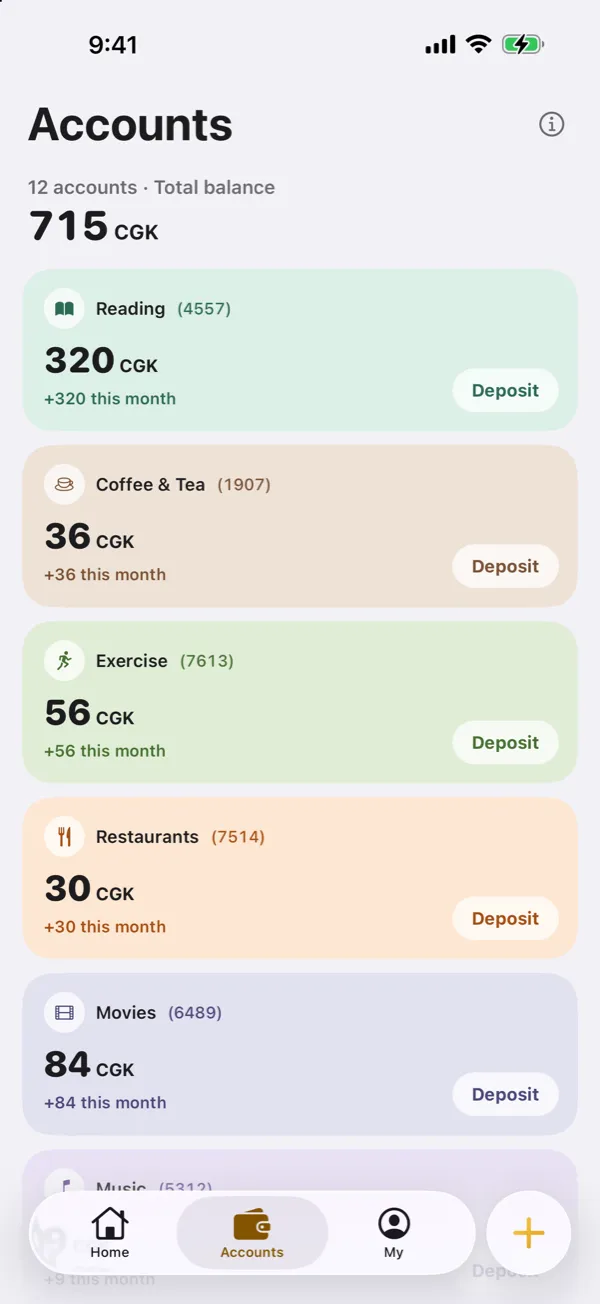
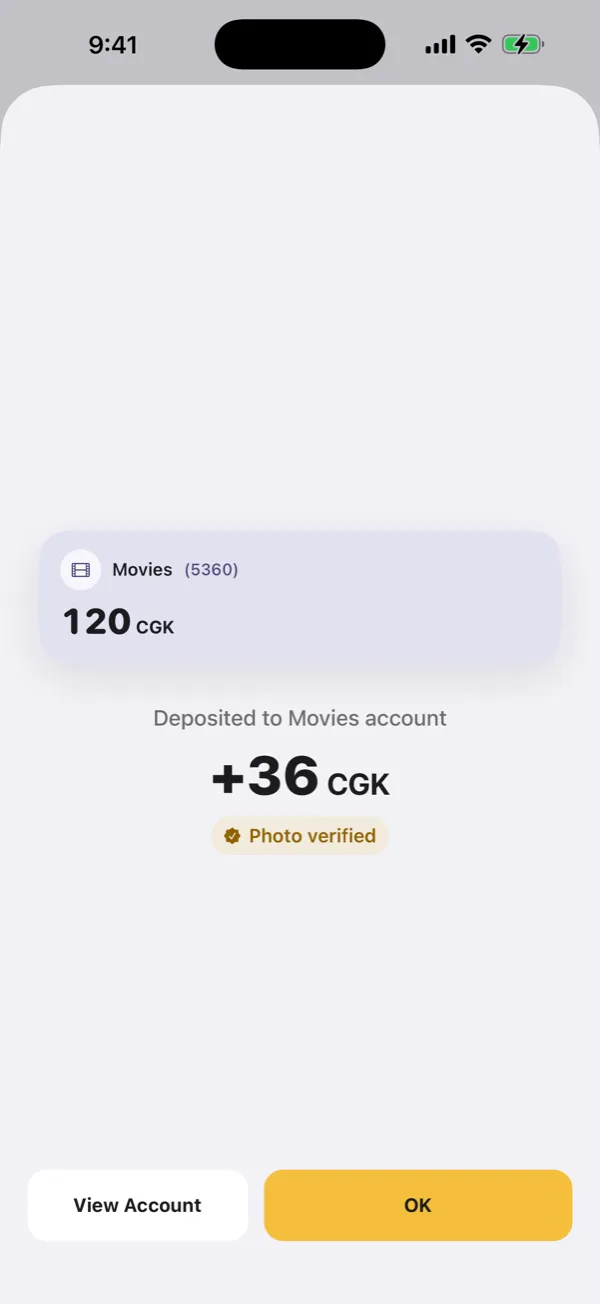
Deposit with one photo
Snap a book cover or movie ticket and it fills itself in.
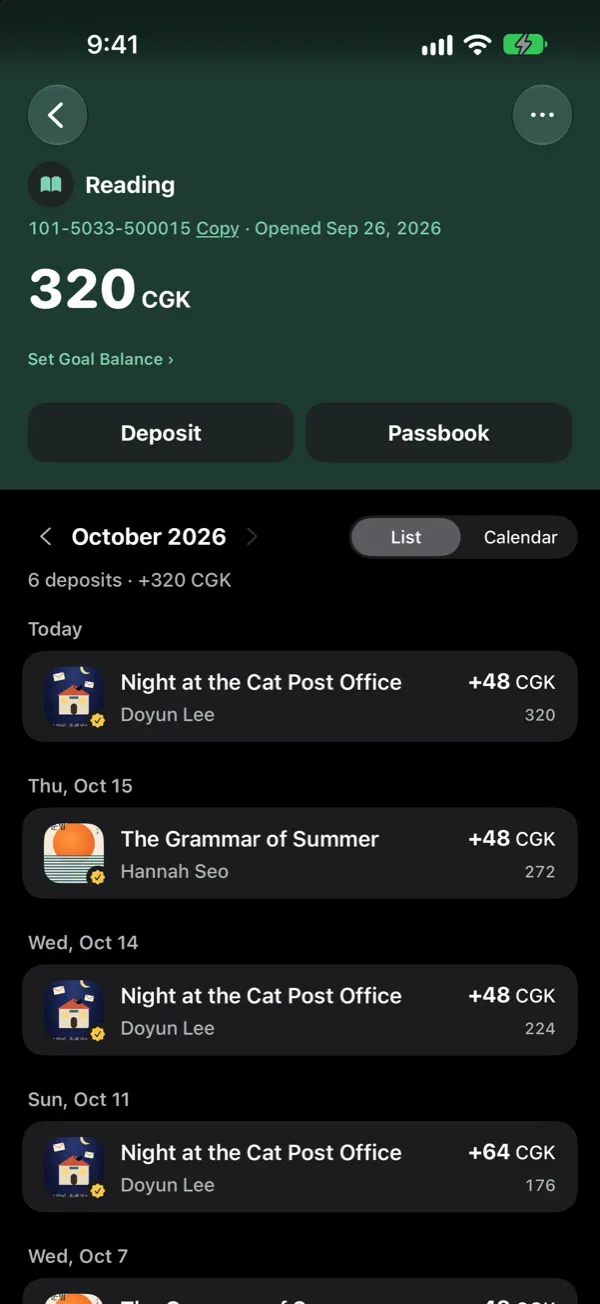
Every deposit, kept
Set a goal and a maturity date and fill it like savings.
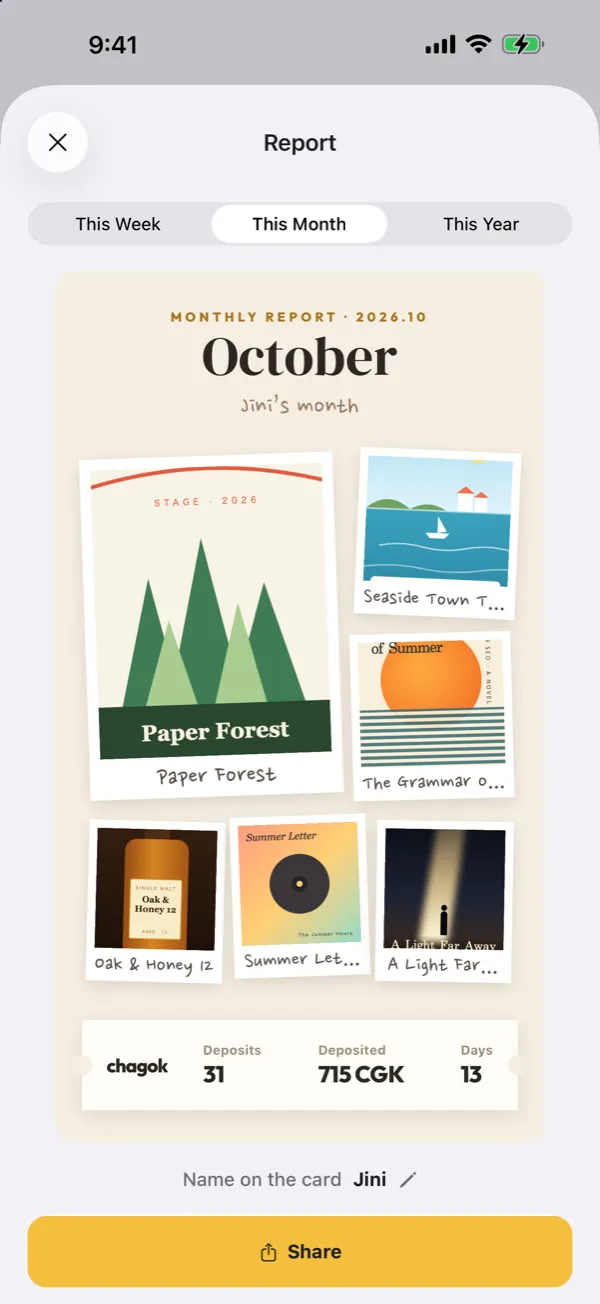
Monthly report
Look back on what you built up this month.
About Chagok
Chagok is a hobby tracker for iPhone that works like a set of savings accounts. You open one account per hobby, such as reading, movies or travel, and every entry deposits CGK so the balance grows. Photograph a book cover or a movie ticket and the account and title fill in for you, so there is no long diary to write. It suits anyone who wants a reading log, movie diary and travel record in one app, and likes seeing their experiences add up as a number.
FAQ
What is Chagok?
Chagok is an iPhone hobby tracker that gives each of 14 hobbies its own savings-style account. Every entry you log deposits CGK.
Is Chagok free?
Yes, it is free, and every feature works without an account.
Which hobbies can I track?
Reading, Music, Drinks, Exercise, Movies, Travel, Shows, Coffee & Tea, Games, TV Series, Comics, Fishing, Restaurants and Cooking. You open only the accounts you want.
What happens when I photograph a book cover or movie ticket?
Chagok picks the account and fills in the title for book covers, movie tickets, boarding passes, show tickets and bottle labels. Photos are analyzed on your device and never uploaded.
Is CGK real money?
No. Chagok is not a financial service and CGK has no cash value. It is a number that measures your experiences.
Can I log with Siri?
Yes. Tell Siri to deposit in Chagok to log an entry. Home Screen and Lock Screen widgets show your total balance and streak.
Where are my records stored?
Without an account they stay on your device. Connect an Apple or Google account if you want them to follow you to a new device; disconnecting deletes your records from the server.
Does it work on iPad, and in which languages?
On iPad it installs in iPhone-app compatibility mode. It supports 14 languages, including English and Korean, and Dark Mode.